아이디어
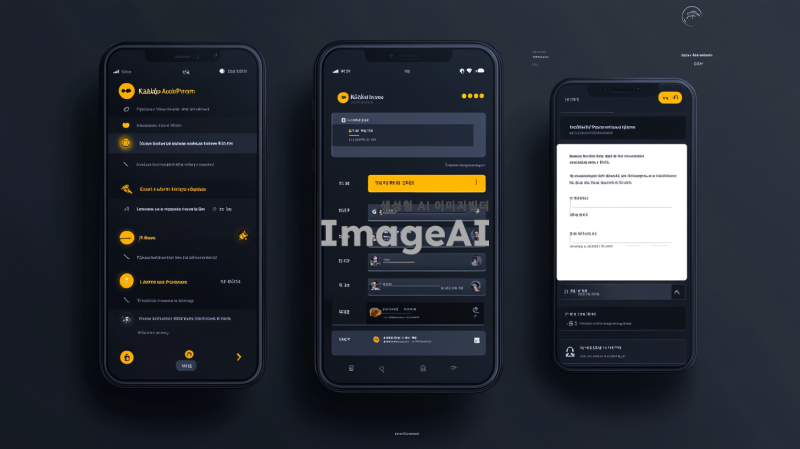
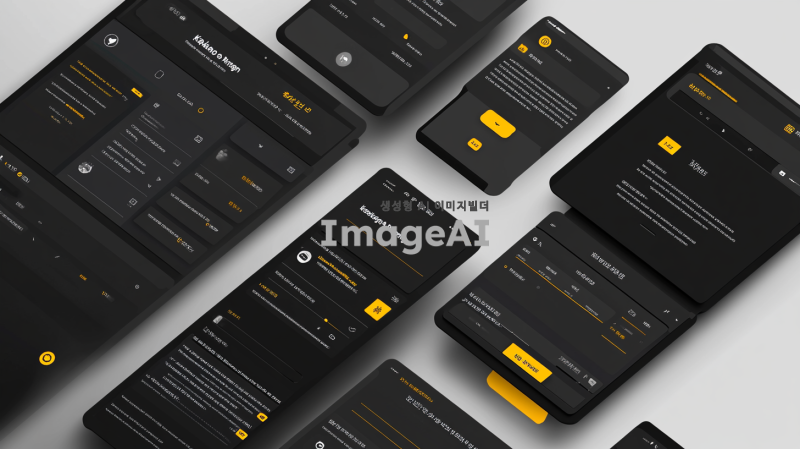
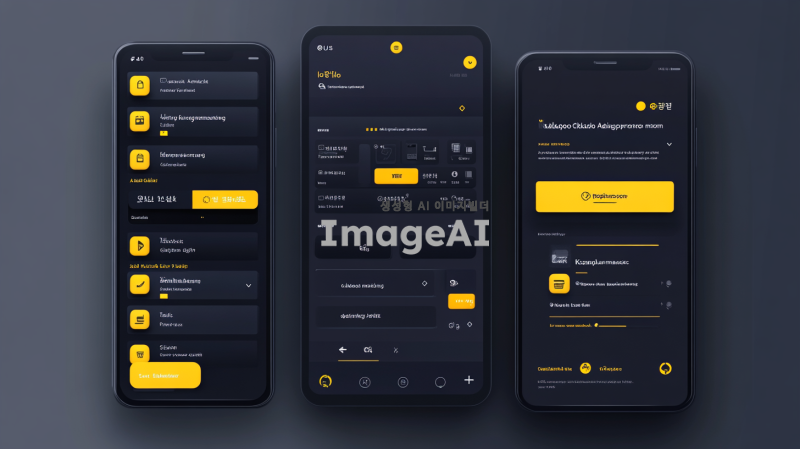
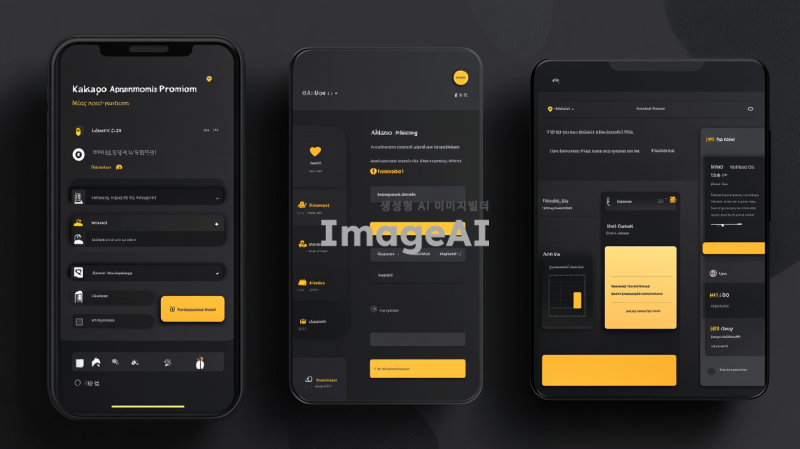
A modern and professional UI design for a KakaoTalk automation program with a clear and structured layout. The interface consists of:
1. **Top Section:**
- Top left: Program title displayed as '카카오톡 자동화 프로그램'.
- Top center: Login section with fields for ID and password, and a login button.
- Top right: Window control buttons (Minimize, Maximize, Close).
2. **Left Panel (Friends Management):**
- A friend list with checkboxes to select friends.
- A 'Send List' displaying selected recipients.
- A file import button for loading friend lists.
3. **Right Panel (Message Management):**
- A text input area for composing messages.
- A file import button for loading pre-written messages.
- A message list displaying filenames for selection.
4. **Bottom Section (Status Display):**
- A status bar showing the progress of message sending.
The design follows a clean, minimalistic, and user-friendly approach with well-defined sections. No hands or o
프롬프트
A modern and professional UI design for a KakaoTalk automation program with a clear and structured layout. The interface consists of:
1. **Top Section:**
- Top left: Program title displayed as '카카오톡 자동화 프로그램'.
- Top center: Login section with fields for ID and password, and a login button.
- Top right: Window control buttons (Minimize, Maximize, Close).
2. **Left Panel (Friends Management):**
- A friend list with checkboxes to select friends.
- A 'Send List' displaying selected recipients.
- A file import button for loading friend lists.
3. **Right Panel (Message Management):**
- A text input area for composing messages.
- A file import button for loading pre-written messages.
- A message list displaying filenames for selection.
4. **Bottom Section (Status Display):**
- A status bar showing the progress of message sending.
The design follows a clean, minimalistic, and user-friendly approach with well-defined sections. No hands or obstructions should appear in the image. The UI should have a dark and light mode aesthetic, smooth edges, and a professional appearance.
파라미터
| 종횡비 | 16:9 |
|---|---|
| 스타일 | 사실적 |
| 예술성 | 100 |
| 혼란도 | 0 |
| 기이함 | 0 |
저작권안내
* 이미지를 다운로드하면 다운로드한 회원에 한해서 자유롭게 이용가능합니다.
* 이미지를 나만보기
프로
기능을 이용해 이미지를 생성하였을 경우에는 홈페이지상에서 회원 자신만 볼 수
있으며 이로 인하여 자신만 해당 이미지에 대한 사용이 가능합니다.* 이미지 AI를 활용하여 얼굴 교체(페이스스왑)를 수행한 결과물은 실행한 회원 본인만 이용할 수 있습니다.
* 얼굴이 포함된 사진의 사용은 해당 인물의 명시적인 허락이 필요합니다. 얼굴 사진 주인의 동의 없이 이미지를 생성, 사용 또는 배포하는 행위는 초상권 및 저작권 침해에
해당할 수 있습니다.
 카카오
카카오 구글
구글


